Note: Whilst AGR Technology has experience with these technologies and is partnered with some of the vendors usage of logo’s does not imply any endorsement or necessarily business association with their respective companies.
Related content:

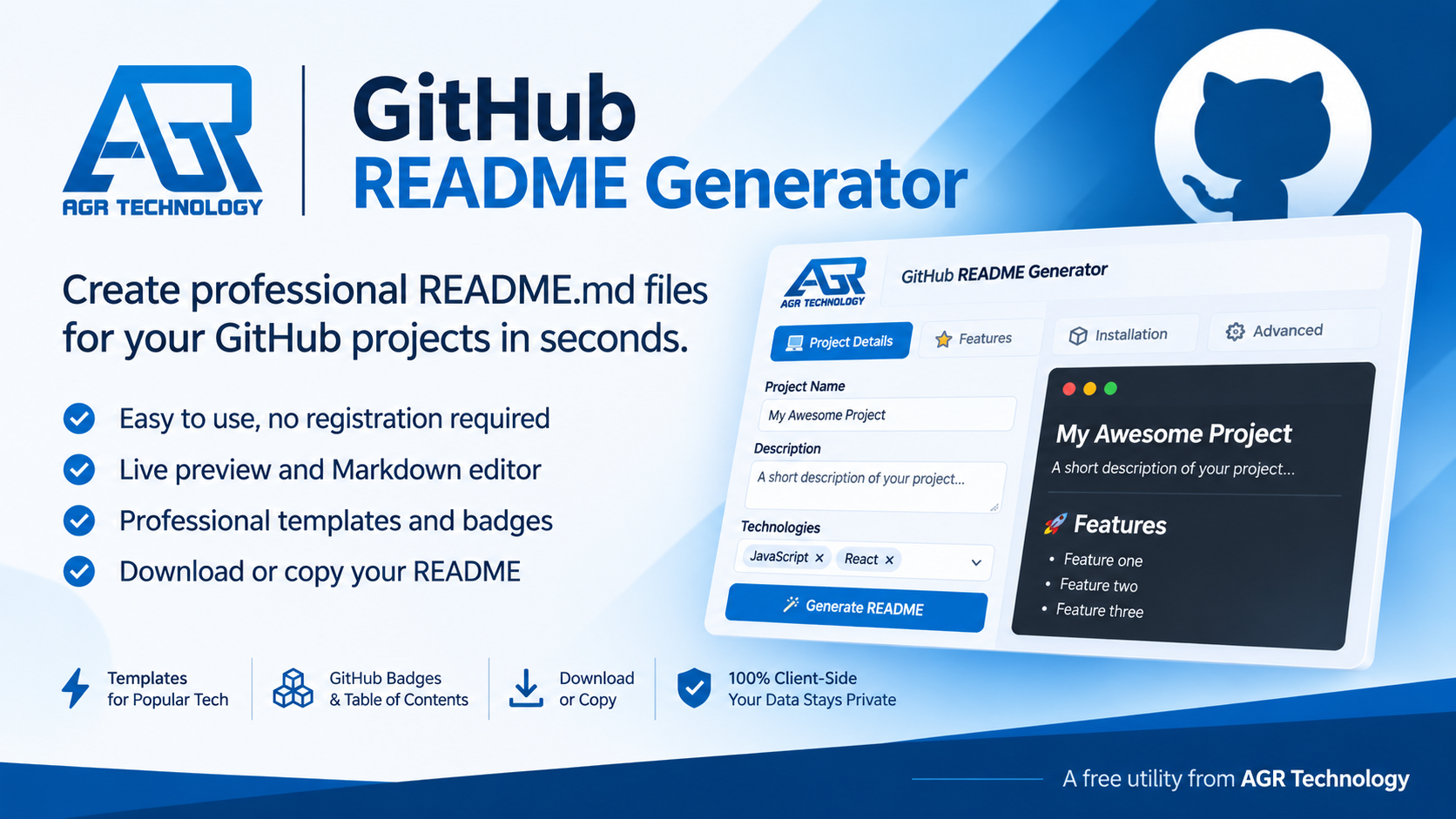
Create professional project documentation with our free GitHub README Generator. Easily build a README.md file for your software projects, customize the sections you need and generate Markdown ready to use in your GitHub repository.
Whether you’re starting an open-source project, developing an application or maintaining an existing codebase, our online tool makes creating a README simple.
A README file is an important part of any software project. It provides developers, visitors and potential contributors with an overview of what your project does, how to install it and how to get started.
Our online README generator helps you organize this information into a structured Markdown document without having to create everything from scratch.
Enter your project details, select the sections you want to include and generate documentation that you can add directly to your GitHub repository.
Create organized project documentation with useful options to help present your software.
Project Information: Add your project name, description, author and GitHub username.
Custom Sections: Include installation instructions, features, usage examples, configuration and contributing guidelines.
Technology Stack: Identify the programming languages, frameworks and tools used in your project.
GitHub Badges: Include relevant badges to communicate information about your project.
Table of Contents: Organize longer README files with navigation links.
Markdown Output: Generate structured Markdown suitable for a README.md file.
Download and Copy: Export your generated documentation or copy the Markdown for use in your project.
Creating project documentation takes just a few steps.
1. Enter Your Project Details
Start by providing your project name, a short description and relevant author information.
2. Customize Your README Sections
Choose the documentation sections you want to include, such as installation, usage, features, technology stack and license information.
3. Generate Your README
Create your Markdown documentation using the information and sections you have provided.
4. Download or Copy Your File
Save your completed README.md file and add it to the root directory of your GitHub repository.
A good README helps people understand your project without having to explore the entire codebase.
Depending on the type of software you’re developing, consider including:
Project Overview: Explain what the software does and its intended purpose.
Features: Highlight important functionality and capabilities.
Installation: Provide the steps and commands required to install dependencies.
Usage: Include examples showing how to run or interact with the project.
Technology Stack: Identify the programming languages, frameworks and tools used.
Configuration: Explain environment variables and setup requirements.
Contributing: Outline how other developers can contribute.
License: Specify the license governing your project.
Not every project requires every section. Include information that is relevant to your software and its intended audience.
A GitHub README is a Markdown document, usually named README.md, that provides information about a software project. It is commonly stored in the root directory of a repository and displayed on the repository’s main page.
Yes. AGR Technology provides this online utility free of charge, allowing developers to create README documentation without purchasing additional software.
The generator produces Markdown content suitable for saving as a README.md file and using in a GitHub repository.
No. The generator helps organize your project information and produces the Markdown formatting for you. Some familiarity with Markdown can be useful when making further customization.
Save your generated document as README.md and upload or commit it to the root directory of your GitHub repository. GitHub automatically displays the README content on the repository’s main page.
AGR Technology helps businesses develop and implement technology solutions, including custom software, applications, integrations and automation.
Whether you need a new software application, improved business systems or assistance connecting existing platforms, our team can help identify practical solutions for your organization.
Explore AGR Technology’s Software Development Services
Note: Whilst AGR Technology has experience with these technologies and is partnered with some of the vendors usage of logo’s does not imply any endorsement or necessarily business association with their respective companies.
Related content: